
Create a blog on Tilda and enjoy the freedom and flexibility to design your content your way.
Customize every detail to give your content a modern, editorial-style look — no designers or developers needed.
Win Over Your Readers With Quality Typography
Quotes, key phrases, large titles... Showcase your story in a way everyone will want to read. Discover your unique style with a large library of highly editable blocks.


Attract Audience With Impressive Visuals
Full-screen image galleries, covers, video backgrounds, and images with captions — you have all the tools to make your content stand out.
Modern Content Formats That Engage
Whether you’re creating long-form articles, quick updates, photo stories, or educational content, everything looks polished and professional. Choose from dozens of templates designed for readability and engagement.

Automate Posting With CMS Feeds
Feeds makes publishing news or blog posts easier and moderating them more convenient. Create an unlimited number of posts, use a handy text editor, create categories, schedule posts, and customize their display on the main page.
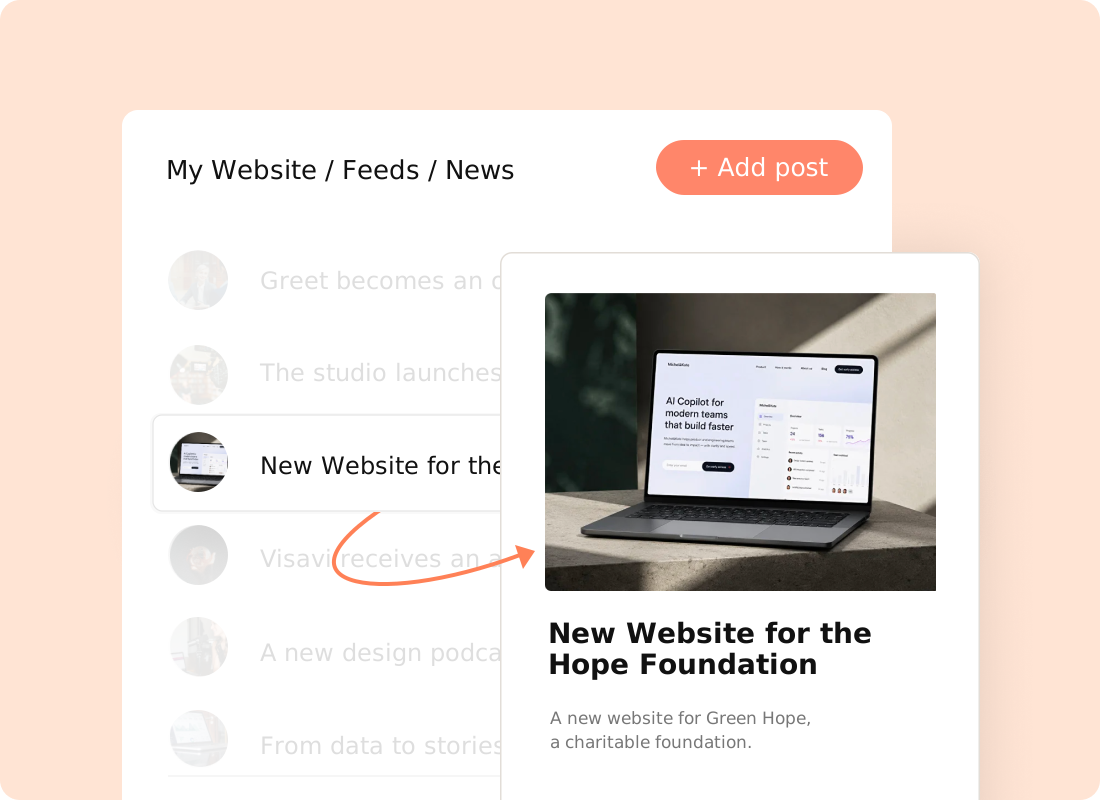
Streamline Content Management
Use Feeds to manage all your content from one convenient dashboard.
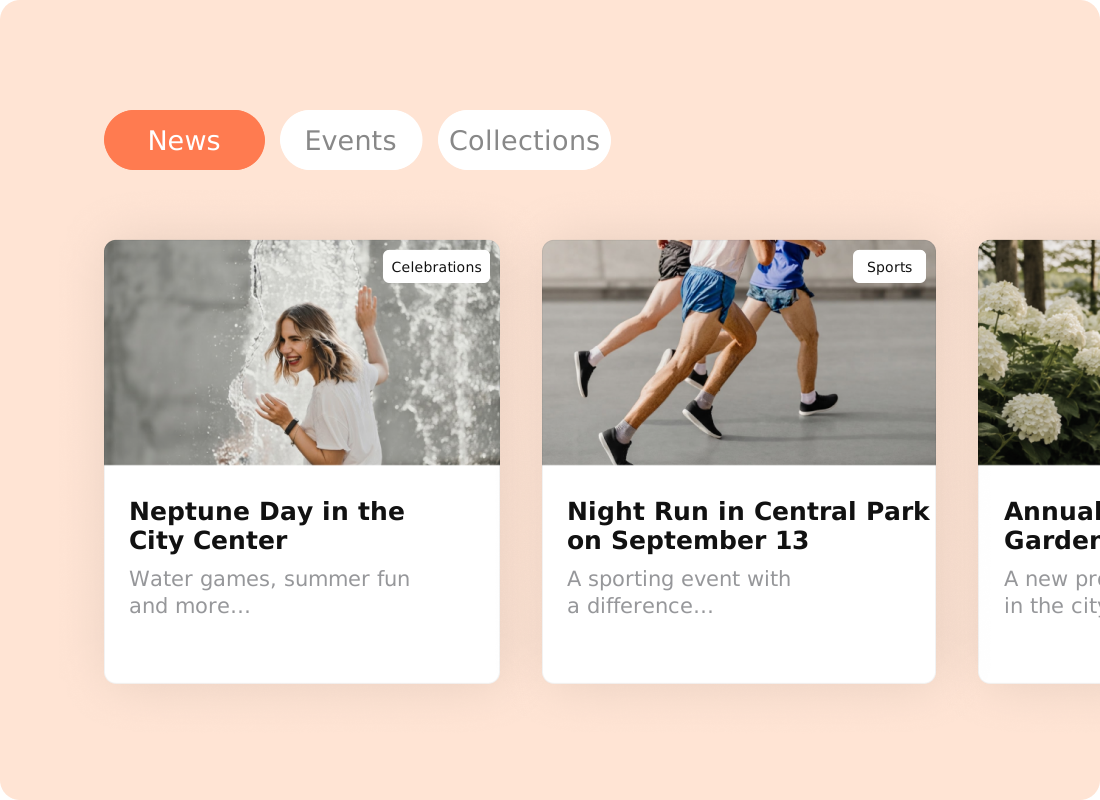
Organize Posts into Categories
Customize categories, choose which posts to display, and track views. Create unlimited posts on any plan and connect multiple Feeds to a single website.
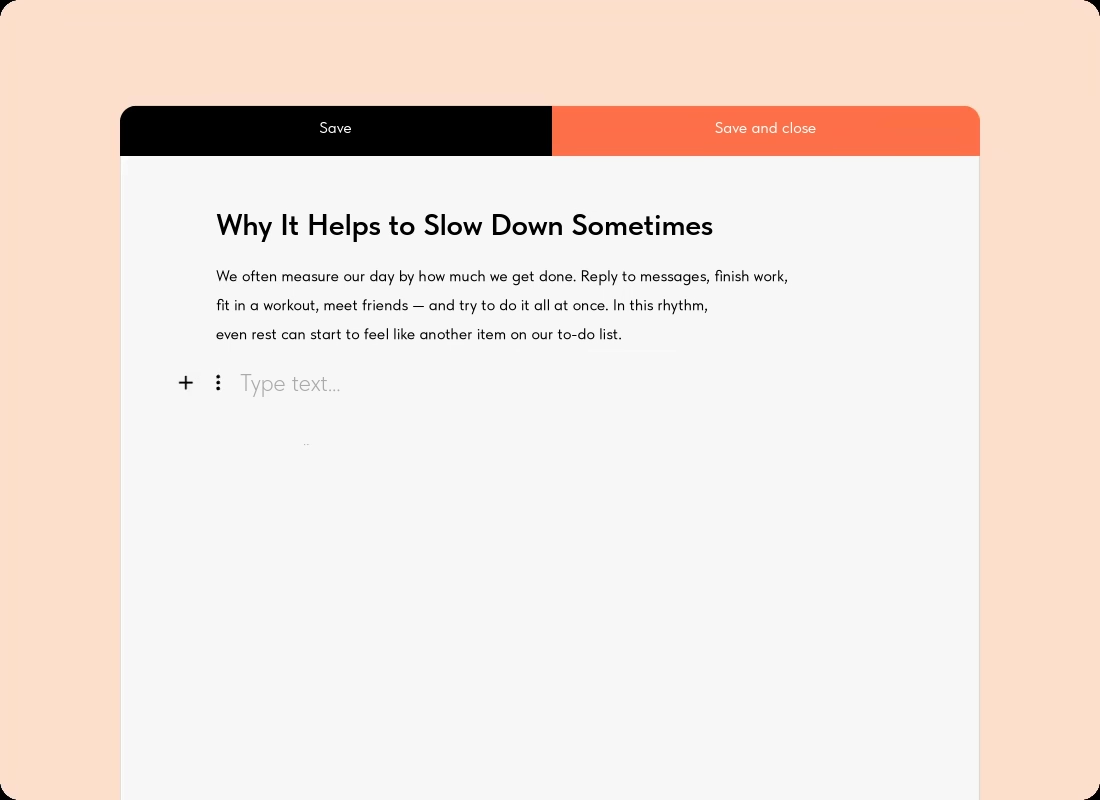
Create Posts with an Intuitive Block Editor
Write, edit, and schedule posts in a text editor. All changes appear on your website instantly, without having to republish pages.

Publish Posts Faster with Custom Templates
Use CMS Feeds to quickly create posts based on your custom templates and manage your website content with ease.
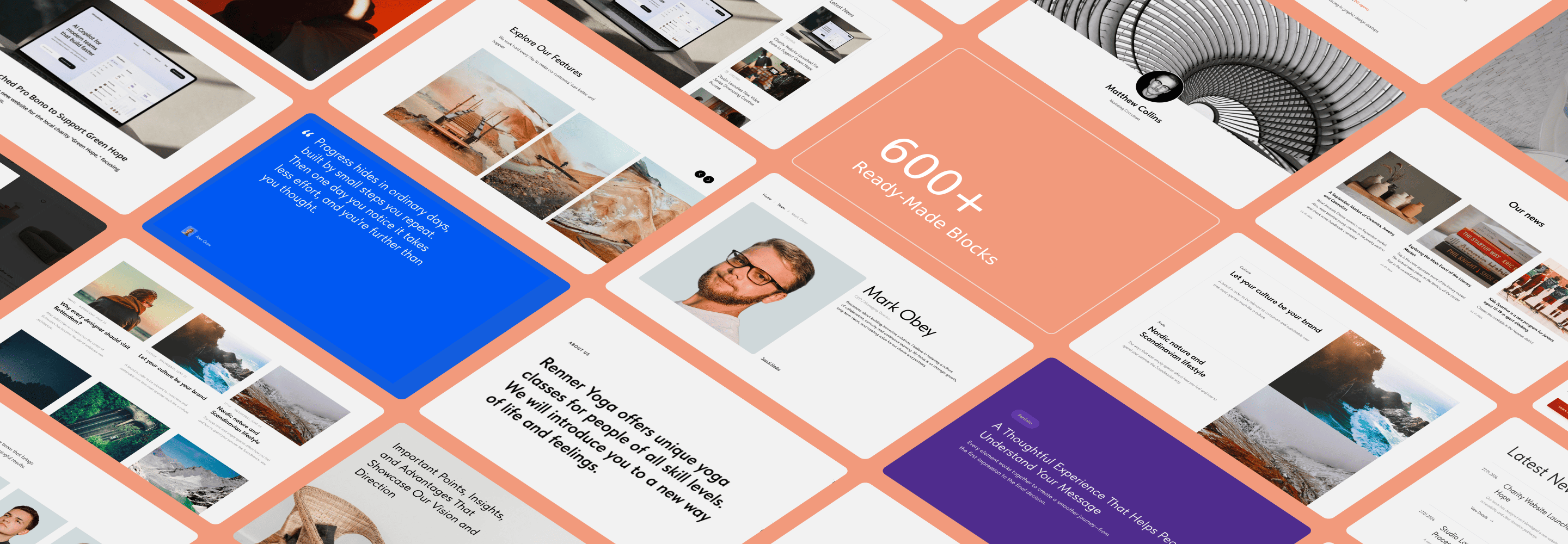
Design Pages With Ready‑Made Blocks
Design posts by choosing from over 600 pre-designed blocks. Add or change content with ease. To turn your content into a blog post, you don’t need to study web design, web editing, or HTML. All you need is a story.


Connect Your Domain
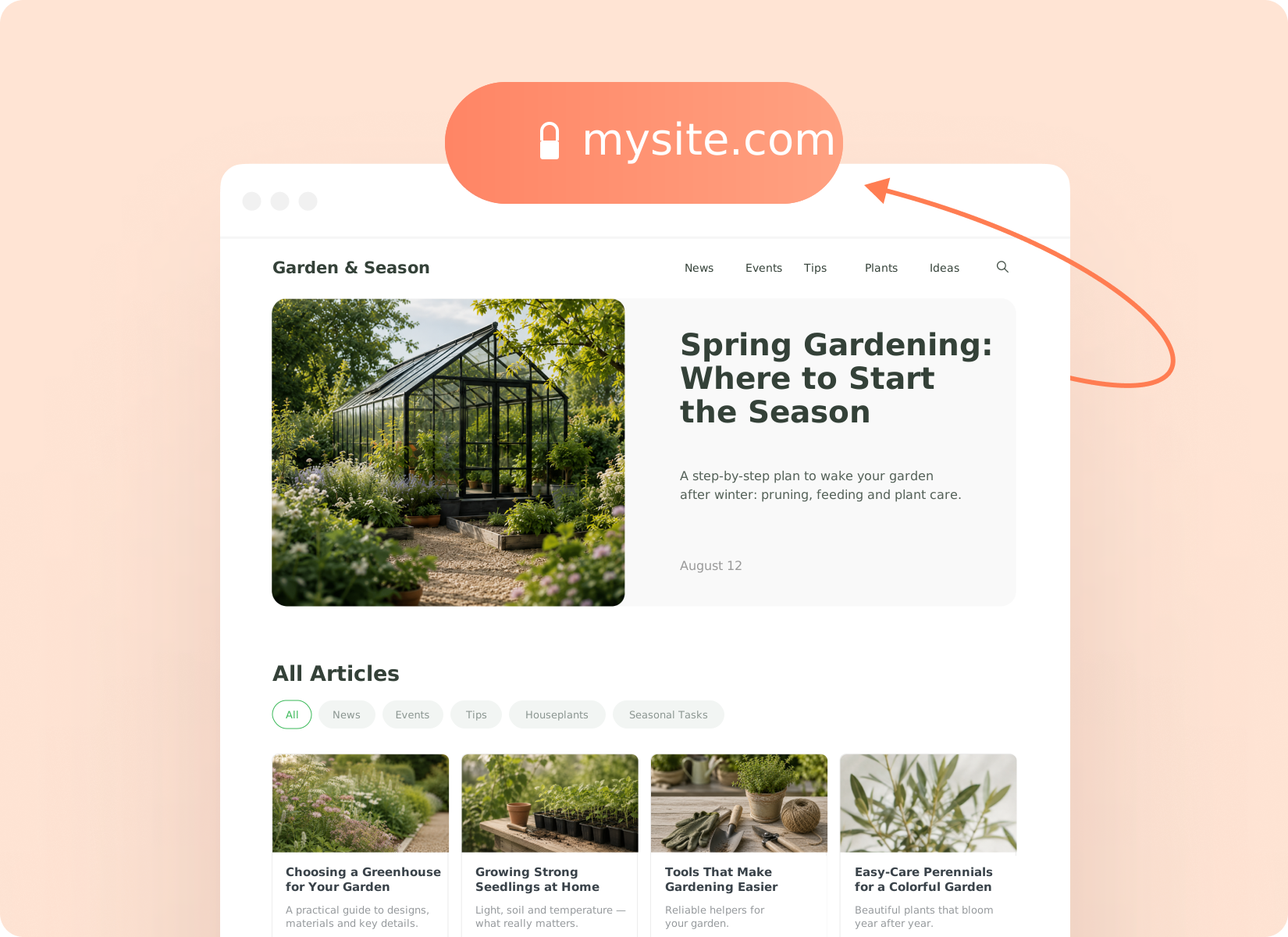
Connect a custom domain to make it easier for your audience to find and remember your website.
Grow Your Audience Using SEO
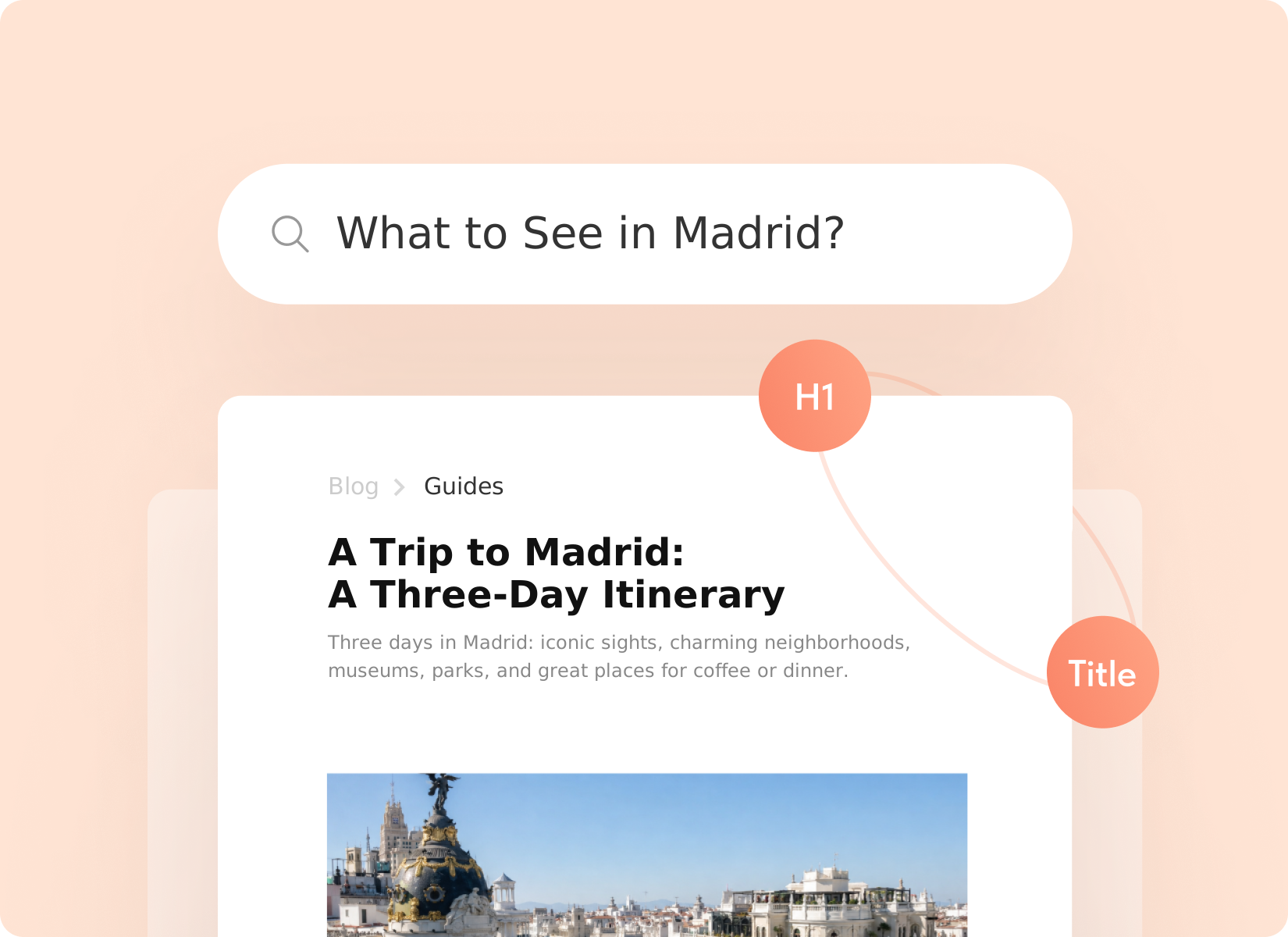
Tilda offers all the necessary tools for optimizing your website for search engines. Meta tags, robots.txt files, and sitemaps, H1 header, and alt texts for images – you don't have to hire an SEO specialist to improve your website's rankings.
Examples Of Blogs Made On Tilda
Millions of people are using Tilda. Find more websites and get inspired at #madeontilda


